
How I Automated GitHub Community Management and Saved 10 Hours/Week (Claude + CORE Memory)

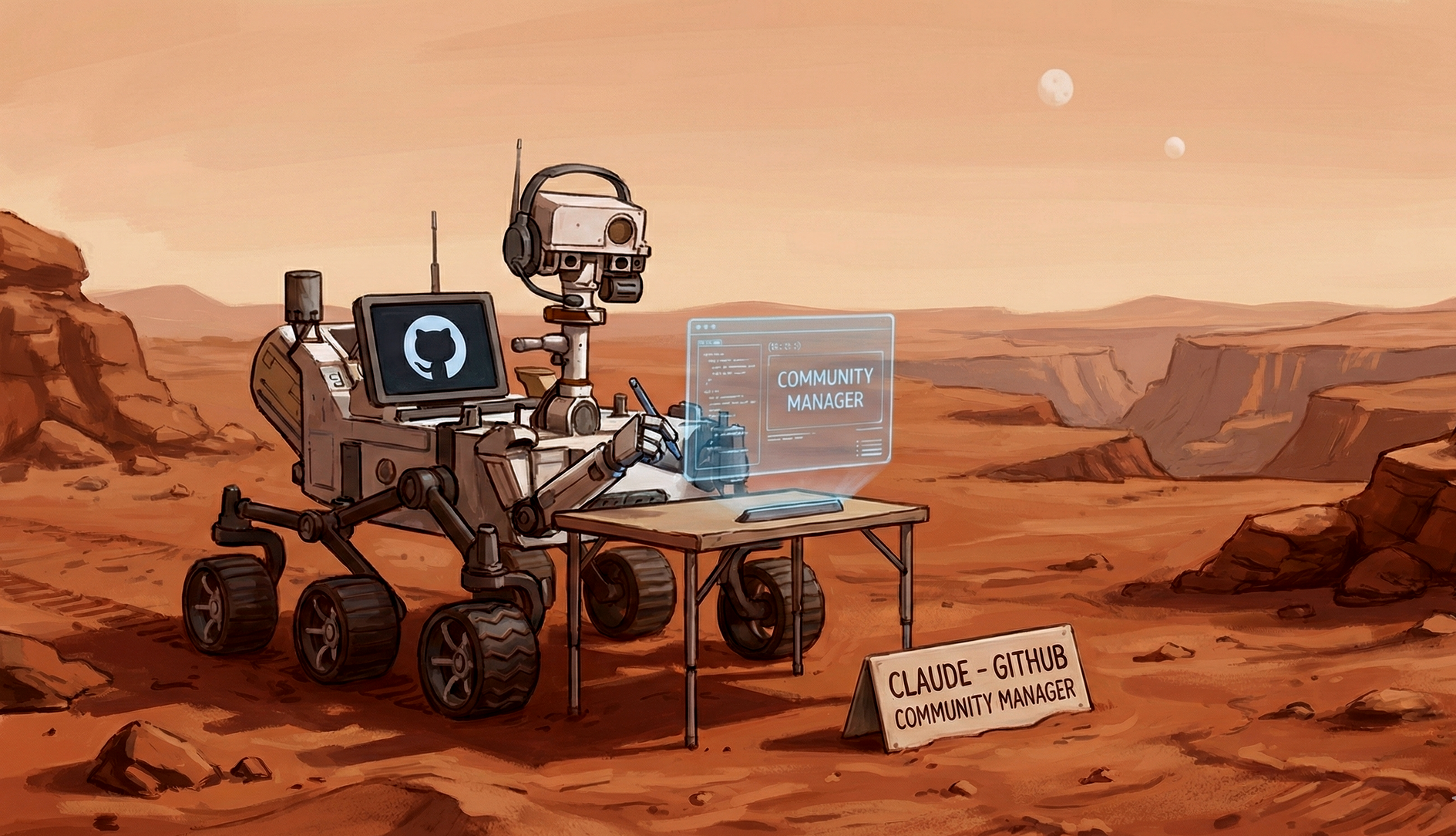
Learn how I automated GitHub community management with Claude + CORE Memory. This workflow cut my daily GitHub time from 2 hours to 15 minutes with a 15-minute setup.
TLDR: Managing GitHub issues, PRs, and comments used to eat 1–2 hours every morning. I connected Claude to CORE Memory (persistent memory for AI) + GitHub Integration and automated the entire workflow. Setup took 15 minutes. Now my daily sync takes ~15 minutes instead of 2 hours.
🚨 The Real Problem: You’re Managing Context Loss, Not a Community
Every open-source maintainer knows this pain:
- Wake up to 50+ GitHub notifications
- Open issues, PRs, comment threads
- Try to remember:
- “What did we decide two weeks ago?”
- “Why did we reject this feature?”
- “What’s our current architecture?”
- Re-read old issues and PRs
- Rebuild mental context (again)
- Draft responses in the right tone
- Repeat… every day
The issue isn't only volume, it’s also fragmented context.
AI tools help, but since they’re stateless, they forget everything you told them yesterday. You spend hours re-explaining decisions and rewriting answers.
📌 Key Insight:
Most GitHub time isn't writing responses, it's rebuilding context to write them.
✅ The Fix: Claude + CORE Memory + GitHub MCP Integration
I connected Claude to CORE Memory (a persistent memory layer for AI) and linked my GitHub account to CORE.
Now Claude has:
- My writing style (learned from past responses)
- Full architectural context
- All past discussions + decisions
- Our roadmap + priorities
- Direct GitHub access (issues, PRs, comments)
- Persistent memory (it remembers everything automatically)
Instead of starting from zero every morning, I now say:Sync me with our GitHub activity using the Github community mange the GitHub community manager skill doc
Claude then:
- Fetches new GitHub activity
- Searches my “GitHub community manager” skill doc in CORE
- Prioritizes issues, PRs, and comments
- Drafts responses in my tone with full context
Result: 2 hours → 15 minutes. Every day.
🔍 What My Morning Workflow Looks Like Now
1. Daily Sync
Sync me with our GitHub activity usingthe GitHub community manager skill doc.
Claude pulls:
- New issues
- New PRs
- Comments needing replies
- Mentions/tags
Then gives this kind of summary:
📊 GitHub Activity Summary (Last 24 Hours)

HIGH PRIORITY:
- Issue #247: Feature request for OpenAI integration (15 upvotes)
- PR #189: Fix for MCP timeout (needs review)

MEDIUM PRIORITY:
- Issue #251: Docs clarification needed
- Comment on #240: User asking about self-hosting

LOW PRIORITY:
- Issue #253: General UI feedback
2. Drafted Responses In My Tone
Claude searches my writing style from core memory and, analyse the github activity and then create response drafts in my writing style.
I skim, approve, and tell Claude to post.
3. Creating Issues
When I want to create a new issue:
Create an issue for adding Notion integration to CORE.
Claude pulls context from about the integration from memory, issue template and my writing style to ensure it's consistent.
📌 Why This System Works (And Bots Don’t)
| Feature | GitHub Bots | Claude + CORE Memory |
|---|---|---|
| Context-aware | ❌ | ✅ |
| Learns writing style | ❌ | ✅ |
| Understands architecture | ❌ | ✅ |
| Handles nuance | ❌ | ✅ |
| Evolves over time | ❌ | ✅ |
| Remembers past decisions | ❌ | ✅ |
📌 Pro Tip:
Store tone guidelines + response patterns inside your core memory. Claude will emulate you perfectly.
🧩 The Bigger Shift: Memory-Augmented Workflows
This isn’t about GitHub.
This is about the future of working with AI:
The Old Way (Scrappy AI Use)
- You keep re-explaining your product context to Claude/ChatGPT
- You bounce between tools like GitHub, Linear, Slack but still doing manual actions
- You search issues, check activity, create updates… all by hand
- Every task becomes context switching hell
In short: AI helps, but you still do the glue work.
The New Way (Memory-Augmented + Tool-Enabled AI)
With CORE, AI apps like Claude/ChatGPT get two superpowers:
- Persistent temporal memory: Your AI now knows your tech architecture, product context, previous github activity all automatically stored in core memory.
- Direct access to MCP tools across your apps: AI can now act inside github, linear, gmail, notion etc. via accessing their mcp tools from core memory
🚀 Start Your First Sync Today
If you maintain an open-source project, this will save you 5–10 hours/week immediately:
- Sign up: https://core.heysol.ai
- Connect github in CORE
- Connect Claude with CORE MCP
- Use the skill doc template (shared below in resources)
- Add your writing style in core memory if starting fresh
- Run your first sync
15 minutes of setup → permanent time savings.
🌐 Resources
- GitHub repo (open-source): https://github.com/RedPlanetHQ/core
- Skill doc template: https://github.com/RedPlanetHQ/core/blob/main/skills/github-community-manager.md
- Connect claude with core mcp: https://docs.getcore.me/providers/claude
- Community Discord: Get setup help & share workflows https://discord.gg/YGUZcvDjUa